
Test backend rules
Once you know the current attribute status of the line items, you may go ahead and verify the integrity of your Backend Rules. Remember, your Backend Rules are defined in a separate section and enrich alert files via a mapping table.
Hover over the Check button in the header line of the Rule VM section and a drop-down selection pane appears.
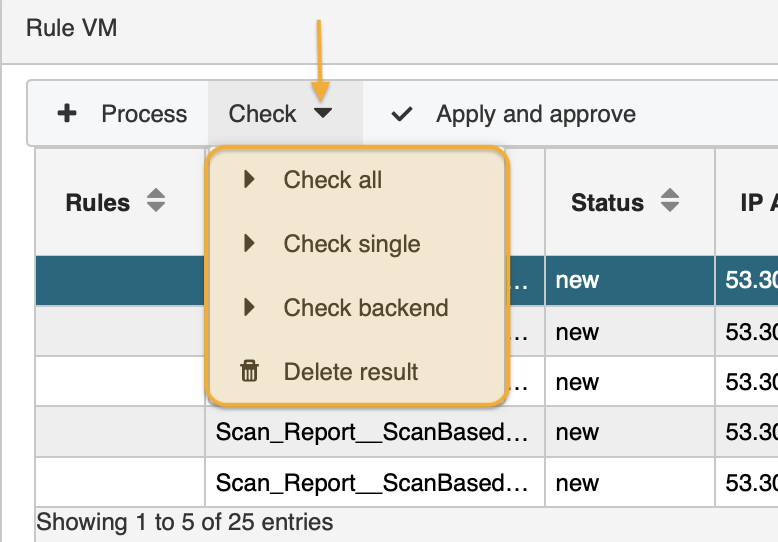
Select Check backend. A system message informs you when the rule application is carried out. Now you may check the results. The new values have been added to the column, e.g. column Environment now contains PROD, DEV, INT, etc, according to what has been defined in the Backend Rules.
Leaving the Rule Verify module deletes your test results.
updated on: 5/9/2019 ⏐updated by: Wolfgang Stoettner ⏐ v1.0.1