
Combined test
In case your test of Backend Rules and dynamic rules delivered the desired results on an individual basis, you might want to conjoin all rules into a single run.
First you select a rule in the top section Rule Table. Next hover over the Check button in the header line of the Rule VM section and a drop-down selection pane appears.
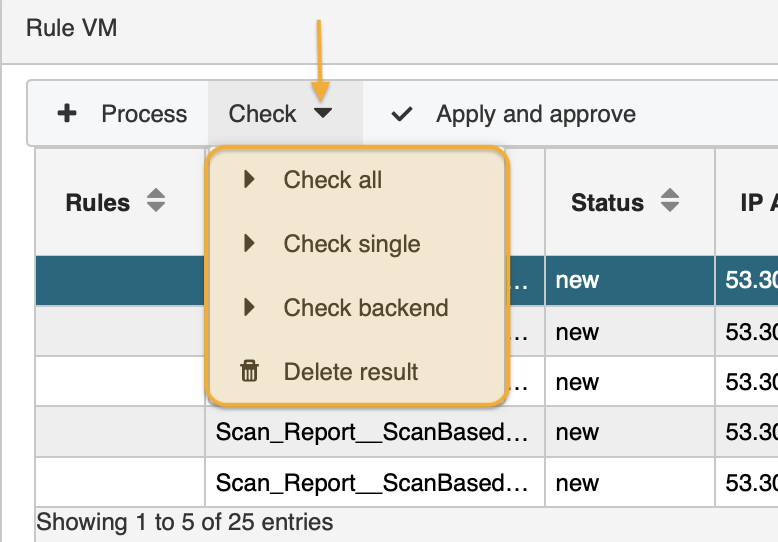
Select Check all. A system message informs you when the rule application is carried out. Now you may check the results. The new or changed values have been added to the respective columns as defined in the module Backend Rules and Rule Manager.
Leaving the Rule Verify module deletes your test results.
updated on: 5/9/2019 ⏐updated by: Wolfgang Stoettner ⏐ v1.0.1