
Account settings
Profile
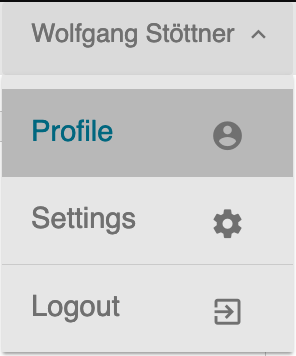 All account specifics with regards to you user profile can be adjusted in the account module.
To access the module click on your user name listed on the top right screen corner. All available options open up.
Click on Profile. You get a two-tabbed view.
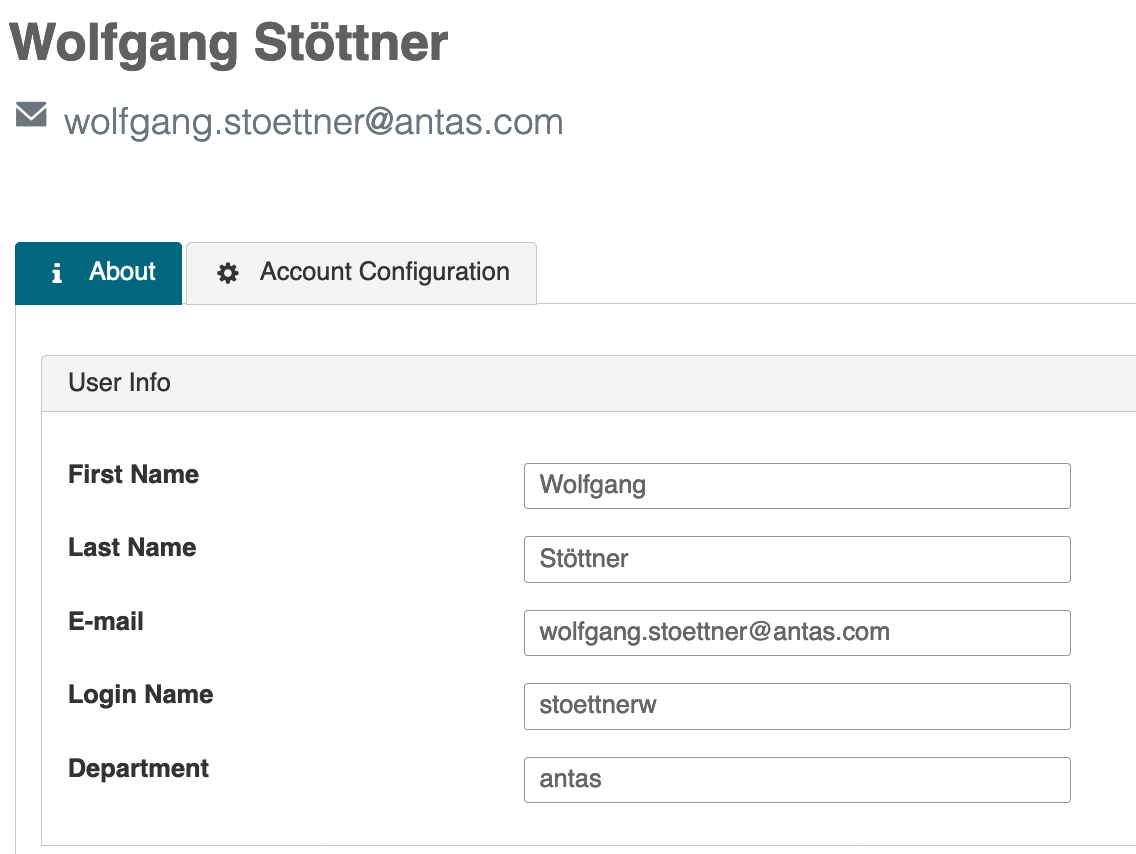
About
In the following panel you will be able to view your name, email, login user as well as department data. Should you need any adjustments here, please contact your system admin.
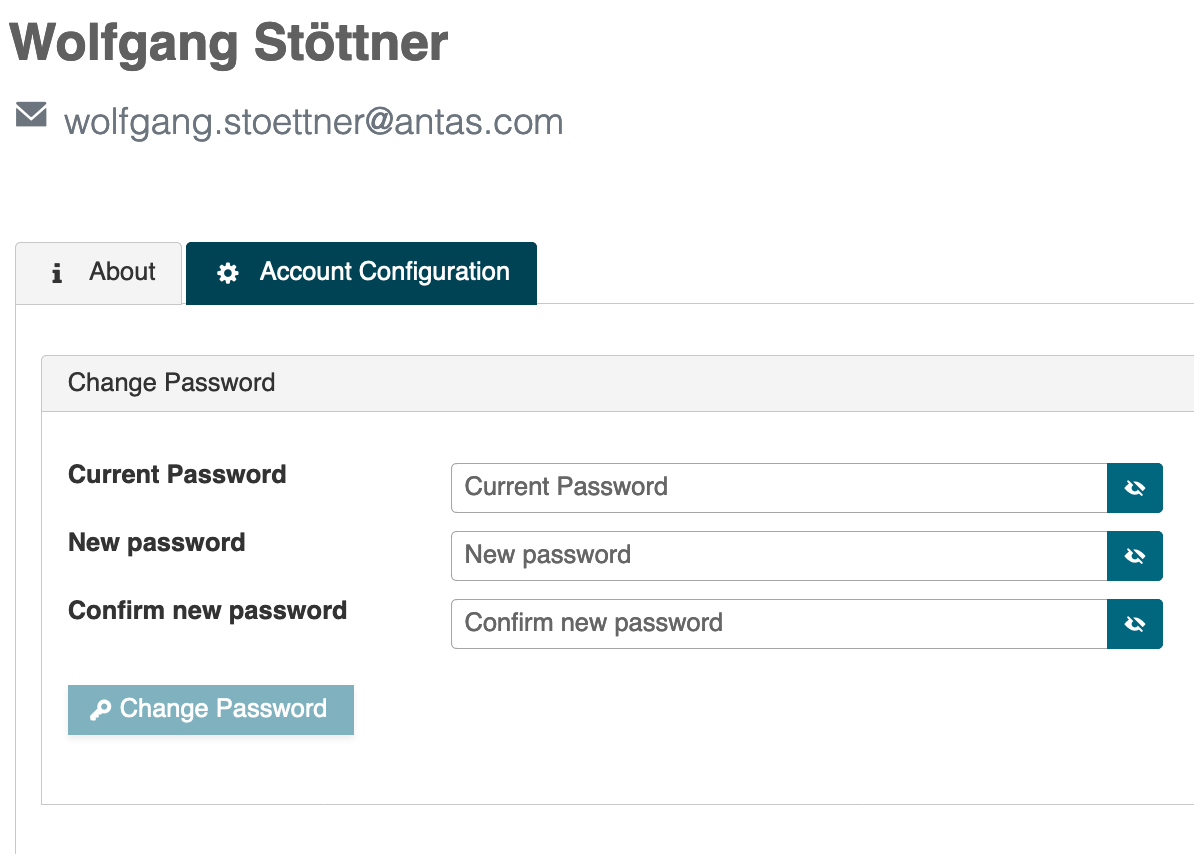
Account Configurations
This tab provisions you with the option to adjust you password.
Settings
Here you select you language options. At the time of writing the only available option is English.
updated on: 5/9/2019 ⏐updated by: Wolfgang Stoettner ⏐ v1.0.1